


If you want to download the latest version of InternetGuard No Root Firewall, be sure to bookmark modzoom.com. Here, all mod downloads are free! Let me introduce you to InternetGuard No Root Firewall.
1、InternetGuard No Root Firewall 2.37 Introduction
Apps and domains can individually be allowed or denied access to your Wi-Fi and/or mobile data.Blocking access to the internet can help:
* Reduce your data usage
* Save your battery
* Increase your privacy
* Take Control of Your Mobile Apps
* Easily Allow/Block App Connectivity
* Block background app activity
* Be Alerted When New Apps Access the Internet
* Block Adult Websites
Features:
• Simple to use
• Android firewall protection with **NO** ROOT REQUIRED!!
• No calling home
• No tracking or analytics
• Actively developed and supported
• Android 5.1 and later supported
• IPv4/IPv6 TCP/UDP supported
• Tethering supported
• Multiple device users supported
• Optionally allow when screen on
• Optionally block when roaming
• Optionally block system applications
* Automatic launch of device startup
* Automatically identifies applications currently installed on your mobile device
* Identifies and notifies when newly installed apps access the Web
* Set Allow/Block, on a per-application basis
* Disable background activity for selected apps
*Get full data usage visibility
• Material design theme with light and dark theme
• Log all outgoing traffic; search and filter access attempts; export PCAP files to analyze traffic
• Allow/block individual addresses per application
• New application notifications; configure InternetGuard directly from the notification
• Display network speed graph in a status bar notification
• Select from five additional themes in both light and dark version
There is no other no-root firewall offering all these features.
Why does InternetGuard top the data usage chart?
It’s an illusion. InternetGuard uses your device’s VPN package to create a firewall. As every data packet sent or received by your apps passes through the VPN, all the incoming and outgoing data traffic gets attributed to InternetGuard.
The good part, however, is that InternetGuard now comes with its own Data Usage feature which allows you to check data usage for each app. To view the usage, choose Data Usage from the home screen.
ATTENTIONS:
1. This app is based on VPN interface, which is the only way to implement the firewall on no-root devices. It works as the proxy between the common apps and the servers. The app doesn't steal your data or send even one bit of its own.
Source code: https://github.com/Sheikhsoft/InternetGuard
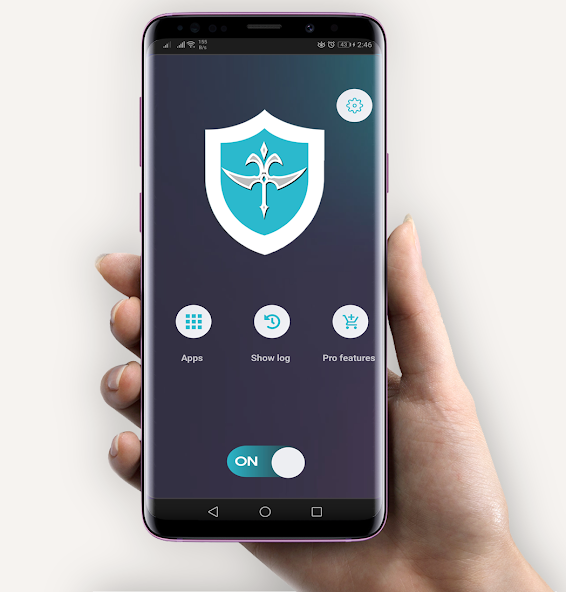
2、How to download and install InternetGuard No Root Firewall 2.37
To download InternetGuard No Root Firewall 2.37 from modzoom.com.
You need to enable the "Unknown Sources" option.
1. Click the Download button at the top of the page to download the InternetGuard No Root Firewall 2.37.
2. Save the file in your device's download folder.
3. Now click on the downloaded InternetGuard No Root Firewall file to install it and wait for the installation to complete.
4. After completing the installation, you can open the app to start using it.